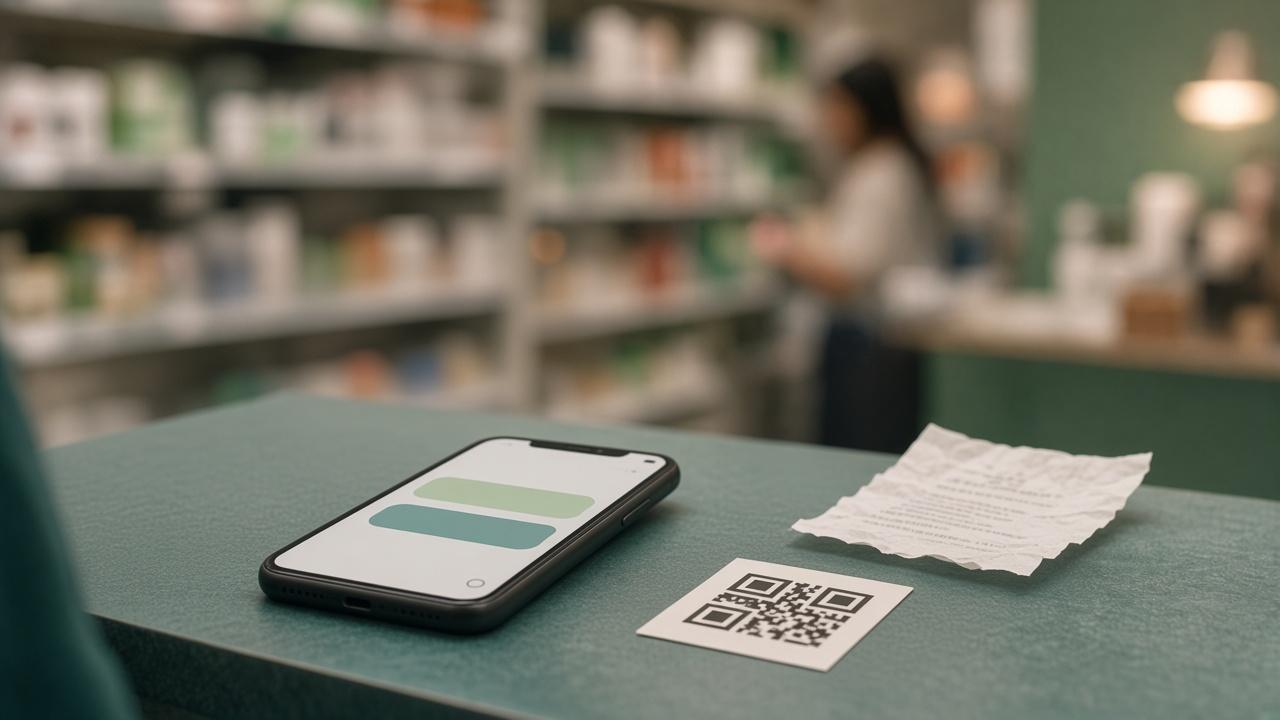
Most competition drop-off happens before the prize ever matters. People see the call to action, then hit a download, a new login, or a page that will not load on the data they have left. They put the phone away.
Scan-to-entry skips that. A QR code on a pack, a shelf card, or a till point — or a plain link in a post — opens a chat. No app. The journey is three steps: open, respond, submit.
Open, then talk, then send proof
Open is a tap or a scan. The page should start immediately on the phones people actually carry, including many entry-level smartphones, not only the latest flagship.
Engage is the conversation: short prompts, buttons for the common answers, and room for a typed reply when the question needs one. Rich media belongs here when it helps — a product shot, a short clip, a clear instruction — not as decoration.
Enter is the submission. That might be a name and a mobile number, a photo, a short video, or a till slip. The person should know what “done” looks like before they leave the thread, and they should be able to reopen earlier messages if they get interrupted in the aisle.
Start where they already are
Some brands already have a WhatsApp number on the pack. Throwing that away is unnecessary. Keep the number. Put the competition in the menu people already tap. From there, hand the longer entry — sign-up, choices, slip photo — to a data-free chat such as Wina Wena.
The shopper still feels like they started in a place they trust. The brand still owns the journey, the questions, and the data collected. The difference is that the bulk of the conversation is not trapped inside a per-message WhatsApp bill, and the shopper is not spending data to finish it.
The slip is still the proof
A friendly chat does not validate a purchase. If the mechanic is “buy this, then enter,” someone still has to check the retailer, the products, the date, and whether that slip has been used before.
That is a different job from hosting the conversation. SmartSlip is where qualifying-purchase checks, duplicate blocking, and reward rules live. Wina Wena is where the shopper has the conversation. Used together, one keeps the entry easy and the other keeps the campaign honest.
What to design before you print the QR
Write the path in one sentence: scan, answer two prompts, send the slip, see a confirmation. If you cannot say it that simply, the chat will be too long.
Decide the handoff up front if WhatsApp is the front door. Decide what gets checked automatically and what a person reviews. Then print the code. The technology is there to make that sentence true on a basic phone, with no install and no data cost to the person entering.